
Amazon Listing Optimization: The Complete Guide to Ranking and Converting in 2026
An Amazon listing is simultaneously an ad, a sales page, and a ranking signal. Every dollar you spend on PPC, every organic impression you earn, and every buyer who lands on your detail page is either converted or lost based on listing quality. Most sellers treat listing optimization as a one-time task. The sellers who win consistently treat it as a continuous system — auditing, testing, and iterating based on real performance data. This guide covers how to build Amazon listings that both rank and convert.
Why Listing Quality Is a Multiplier on Everything Else
Amazon's A9 algorithm determines search ranking based on a combination of keyword relevance, sales velocity, and conversion rate. That last factor — conversion rate — is directly controlled by your listing quality. A listing with a 15% conversion rate will rank higher organically and drive lower ACoS from PPC than a similar listing at 8% conversion, because Amazon rewards listings that turn clicks into sales.
The multiplier effect works in both directions. A weak listing makes every traffic source less efficient: PPC costs more per order, organic rank is suppressed, and the BSR doesn't move despite ad spend. Improving a listing from mediocre to strong often has a more immediate impact on profitability than any bid optimization or keyword expansion — because it makes everything else work better.
Most sellers significantly overestimate how good their listings are. When sellers audit their own listings against Amazon's published best practices — and against competitor listings that are outranking them — gaps in images, keyword coverage, and benefit communication are almost always present. Honest, structured auditing is the foundation of listing optimization.
Title Optimization: The Highest-Density Real Estate on Your Listing
Your title has 200 characters (Amazon may truncate to ~80 on mobile) to accomplish two things: rank for keywords and earn the click. Most titles optimize hard for one and fail at the other. Keyword-stuffed titles that read like search queries ("Yoga Mat Non Slip Thick 6mm Exercise Mat for Home Gym Workout Pilates Stretching") have strong indexation but low click-through rates because they communicate no brand identity or unique value.
The high-performing title structure leads with your primary keyword (highest search volume, highest relevance to your product), incorporates your brand name, and includes the 2–3 product attributes that most influence buyer choice (size, material, count, color for applicable products). Secondary keywords belong in bullet points and backend fields — not crammed into a title where they harm readability.
Title changes should be tracked against CTR data in your Brand Analytics or Sponsored Products reports. A title that ranks higher but converts at a lower rate is a net negative. Test titles by changing one element at a time and measuring over a minimum 14-day window — Amazon's algorithm needs time to reflect the new indexation.
Bullet Points: Five Chances to Close the Sale
Amazon allows five bullet points of up to 1,000 characters each. Most sellers use them to list features. Buyers read them to answer one question: "Will this solve my problem?" The conversion-focused bullet structure leads each bullet with the benefit (in caps or bold where allowed), then explains the feature that delivers it. "STAYS PUT DURING INTENSE WORKOUTS — textured surface creates micro-suction on hardwood and tile, eliminating mat slipping on every downward dog or HIIT set" outperforms "Non-slip surface" in every test.
The order of bullets matters. Amazon research shows that buyers read the first two bullets most attentively. Lead with your strongest differentiator — the reason buyers choose you over the competing ASINs they've also opened. Save warranty information, shipping notes, and brand story for bullets 4–5.
Bullets also carry keyword weight. Each bullet can contain 2–3 secondary keywords naturally — not stuffed, but included as part of the benefit/feature language. A bullet about durability can naturally include "heavy duty," "commercial grade," and "long-lasting" without reading as keyword spam.
Images: The Highest-Leverage Change You Can Make
Multiple Amazon studies and third-party conversion tests have consistently identified images as the primary driver of conversion rate for physical products. A product with strong images and mediocre copy will typically outconvert a product with mediocre images and excellent copy. If you're going to invest in one listing improvement, make it images.
Amazon requires a main image on white background (pure white: RGB 255,255,255) at minimum 1000×1000 pixels for zoom functionality. But the main image is only the first image — buyers who are seriously considering a purchase cycle through all 7–9 images. Each should serve a specific purpose: lifestyle in use, key feature callout, size/scale comparison, before/after (where applicable), infographic with top benefits, close-up of materials/quality, and warranty/guarantee.
The main image is also the only image shown in search results and on competitor storefronts. A/B testing main images through Manage Your Experiments (Brand Registry required) is one of the highest-ROI experiments available to Amazon sellers. Even a 1% improvement in CTR from search results compounds significantly across the lifetime of an ASIN.
Backend Keywords and Indexation
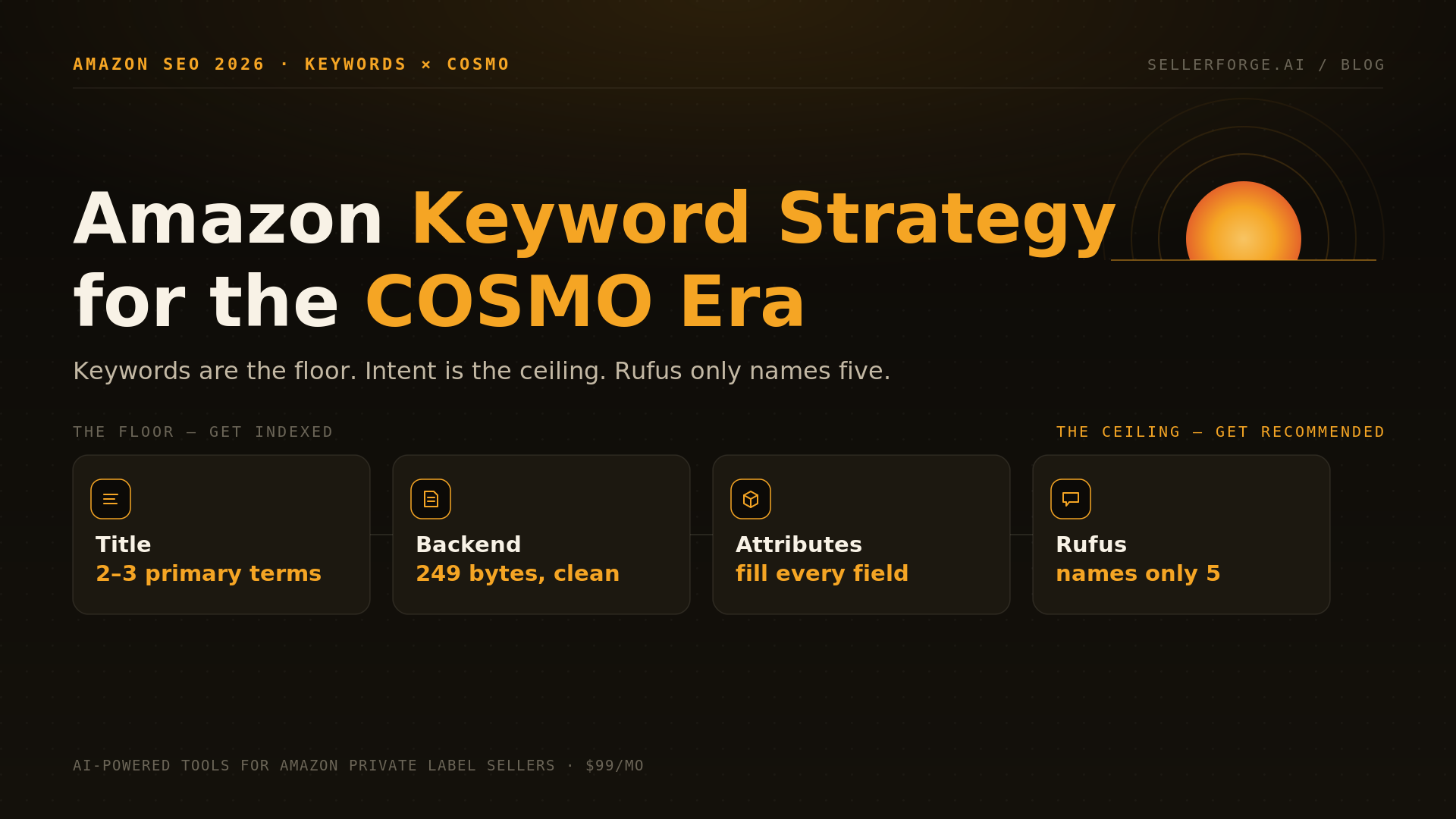
Amazon provides 250 bytes of backend search term space per ASIN. These fields are not visible to buyers but directly influence indexation — if a keyword isn't in your title, bullets, description, or backend, Amazon's algorithm won't index you for it. Backend keywords are your opportunity to capture searches that your visible content doesn't naturally cover: synonyms, alternate spellings, Spanish translations, generic category terms, and related use-case queries.
Do not duplicate keywords already in your title. Amazon's algorithm already indexes your title with high weight — repeating those terms in backend fields wastes the 250 bytes. Use the space for terms that don't appear in your visible content. Also avoid competitor brand names, prohibited keywords (claims about diseases, comparisons to specific competitors), and terms irrelevant to your product.
Backend indexation can be verified through the Search Terms report in Brand Analytics or by running a targeted Sponsored Products campaign for specific keywords and checking impression share. If a keyword generates zero impressions despite active bidding, your listing likely isn't indexed for it — revisit your backend fields and visible content.
A+ Content and Conversion Rate Optimization
A+ Content (formerly Enhanced Brand Content) is available to Brand Registry sellers and replaces the plain-text product description. Amazon's internal data shows that A+ Content increases conversion rates by an average of 3–10%, with Premium A+ Content — available to sellers who maintain an above-average A+ score — showing up to 20% improvement.
Effective A+ Content uses the comparison chart module to position your product against your own product line, the lifestyle image modules to show the product in use, and the text + image modules to address the top 3–5 objections that cause buyers to leave the page without purchasing. Review mining — reading the 1-star reviews of your product and competitors — is the most efficient way to identify what objections exist and what claims A+ Content needs to address.
A+ Content does not directly improve organic search rankings (Amazon has confirmed this), but the conversion rate improvement it drives does — indirectly. Higher conversion rate improves sales velocity, which is a ranking input. The effect compounds over time.
Frequently Asked Questions
5 articles in Listing Optimization

Stop reading. Start shipping.
SellerForge turns these playbooks into one-click AI workflows — from $49/month.
No credit card required