A proper Amazon listing audit covers 8 dimensions: title, bullet points, description, images, backend keywords, pricing, reviews, and A+ content. Most sellers have critical gaps in at least 3 of these areas. The highest-leverage fixes — a keyword-rich title, a benefit-first bullet structure, and 6+ high-quality images — typically produce measurable conversion improvements within 2–3 weeks.
A bad Amazon listing is expensive in a way most sellers don't fully account for. Every dollar you spend on PPC is partially wasted if the listing it drives traffic to doesn't convert. Every organic ranking you earn produces less revenue than it should. Listing quality isn't a nice-to-have — it's a multiplier on everything else you do.
Here's how to audit your listings the way a professional optimizer would.
1. Title: Keyword-Rich but Human-Readable
Your title has two jobs: rank for keywords and earn the click. Most sellers optimize hard for one and ignore the other.
- Lead with your primary keyword (highest volume, highest relevance)
- Include your brand name, product type, key attribute, and size/count
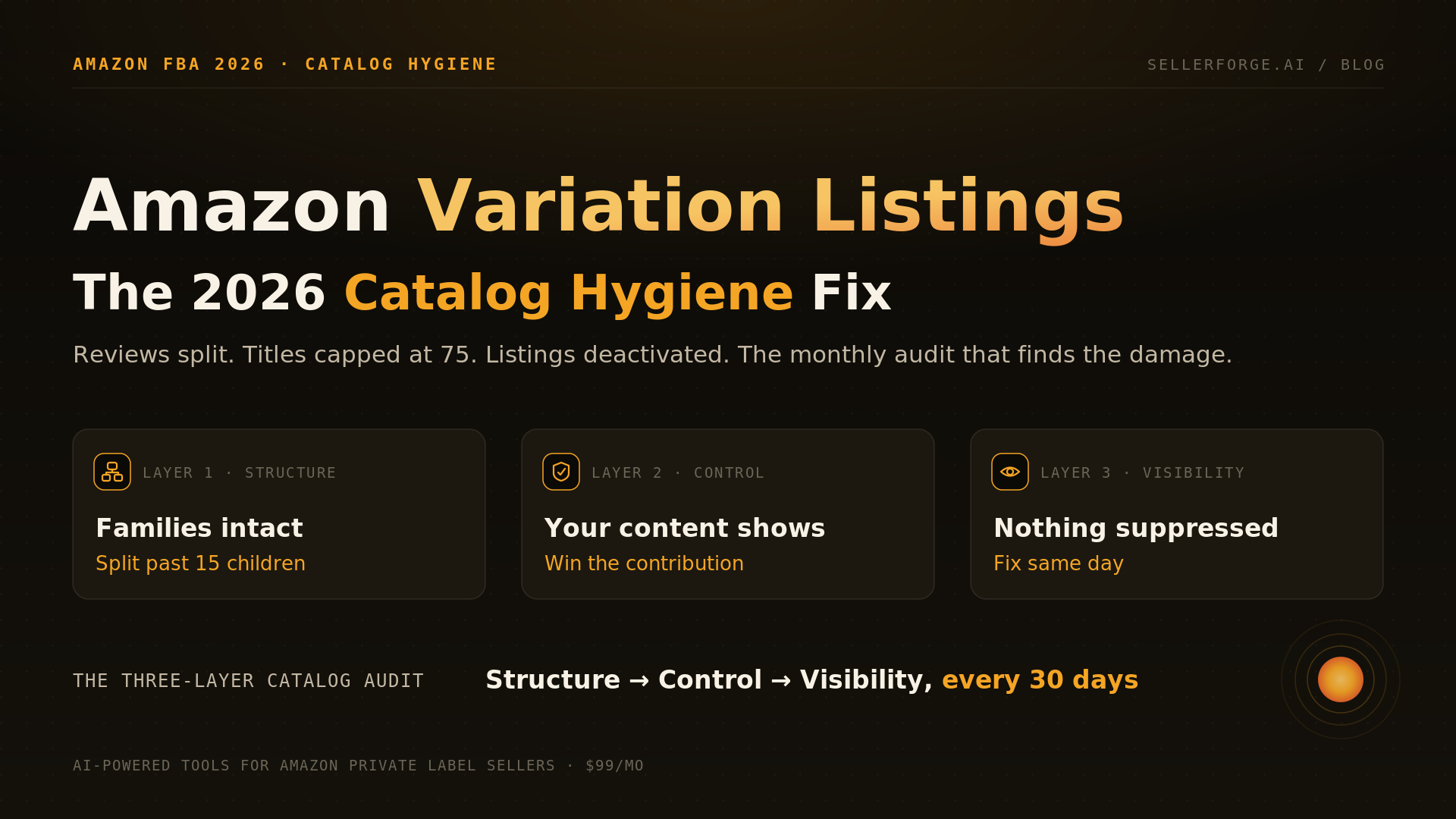
- Get under 75 characters NOW — from July 27, 2026, Amazon caps titles at 75 characters (all categories except media). Move secondary attributes to the new 125-character Item Highlights field, which is searchable and shows in search results
- Avoid ALL CAPS, promotional phrases ("Best seller!"), and price mentions
- Read it out loud — if it sounds robotic, shoppers experience it that way too
Policy update (July 2026): Amazon's title update effective July 27, 2026 caps titles at 75 characters in every category except media and introduces the 125-character Item Highlights field. Audit titles against the 75-character reality first: lead with brand + primary keyword + product type, and relocate size/count/attribute keywords to Item Highlights, bullets, and backend terms so you lose no indexing when the cap lands.
2. Images: The Real Conversion Driver
Studies consistently show that images drive more purchase decisions than copy. Shoppers look at images first, read bullet points second, and rarely reach the description. Your image stack is where listings win or lose.
Image checklist:
- Main image: pure white background, product fills 85%+ of frame, high resolution (2000×2000px minimum)
- Lifestyle image: product in use by target demographic, aspirational setting
- Infographic: key features called out with icons and short text overlays
- Comparison image: your product vs. generic alternative (without naming competitors)
- Size/dimension image: actual measurements shown, avoids "product looks bigger than it is" returns
- Social proof image: star rating, review count, or award badge if applicable
If you only have 3 images, adding 3 more targeted images typically lifts conversion rate by 10–25%. Image investment has the highest ROI of any listing optimization.
3. Bullet Points: Features Converted to Benefits
Amazon allows five bullet points. Most sellers use them to list product specs. That's a missed opportunity. Shoppers don't buy specs — they buy outcomes.
Structure each bullet as: bold benefit label + explanation of how and why. Lead with the customer's desired outcome, then explain the feature that delivers it. "LEAK-PROOF SEAL — Our dual-gasket lid technology means no more morning disasters when your bag tips over." Not: "Dual gasket lid included."
- Start each bullet with a bold keyword phrase
- Keep bullets under 200 characters for mobile readability
- Address the top 5 objections a shopper would have before purchasing
- Include secondary keywords naturally — don't stuff
- End your last bullet with a call-to-action or satisfaction guarantee
4. Description / A+ Content
If you have Brand Registry, A+ Content is non-negotiable. It replaces your text description with rich modules — comparison charts, lifestyle imagery, brand story sections — and typically lifts conversion 3–10%.
If you don't have A+ Content yet, prioritize getting Brand Registry. The listing improvement alone justifies the effort.
For text descriptions (non-BR sellers): write for the customer who scrolls past bullets and wants more detail. This is your space to tell the brand story, address edge cases, and include long-tail keywords that didn't fit above the fold.
One correction worth carrying into this section: A+ body text has never been confirmed as indexed by A9 or COSMO, and Amazon has removed the seller-written alt-text field from A+ modules entirely. What A+ does do is convert — and those conversions are what train Amazon's knowledge graph. The mechanics are in what Amazon's answer engine actually reads on your listing.
5. Keywords: What You're Missing Hurts More Than What You Have
Keyword gaps are more costly than bad copy. If your listing doesn't contain a term, Amazon can't rank you for it organically, and your Sponsored Products campaigns can't target it efficiently.
- Run a reverse ASIN search on your top 3 competitors
- Identify high-volume terms in their listings that aren't in yours
- Prioritize backend search terms for keywords that don't fit naturally in copy
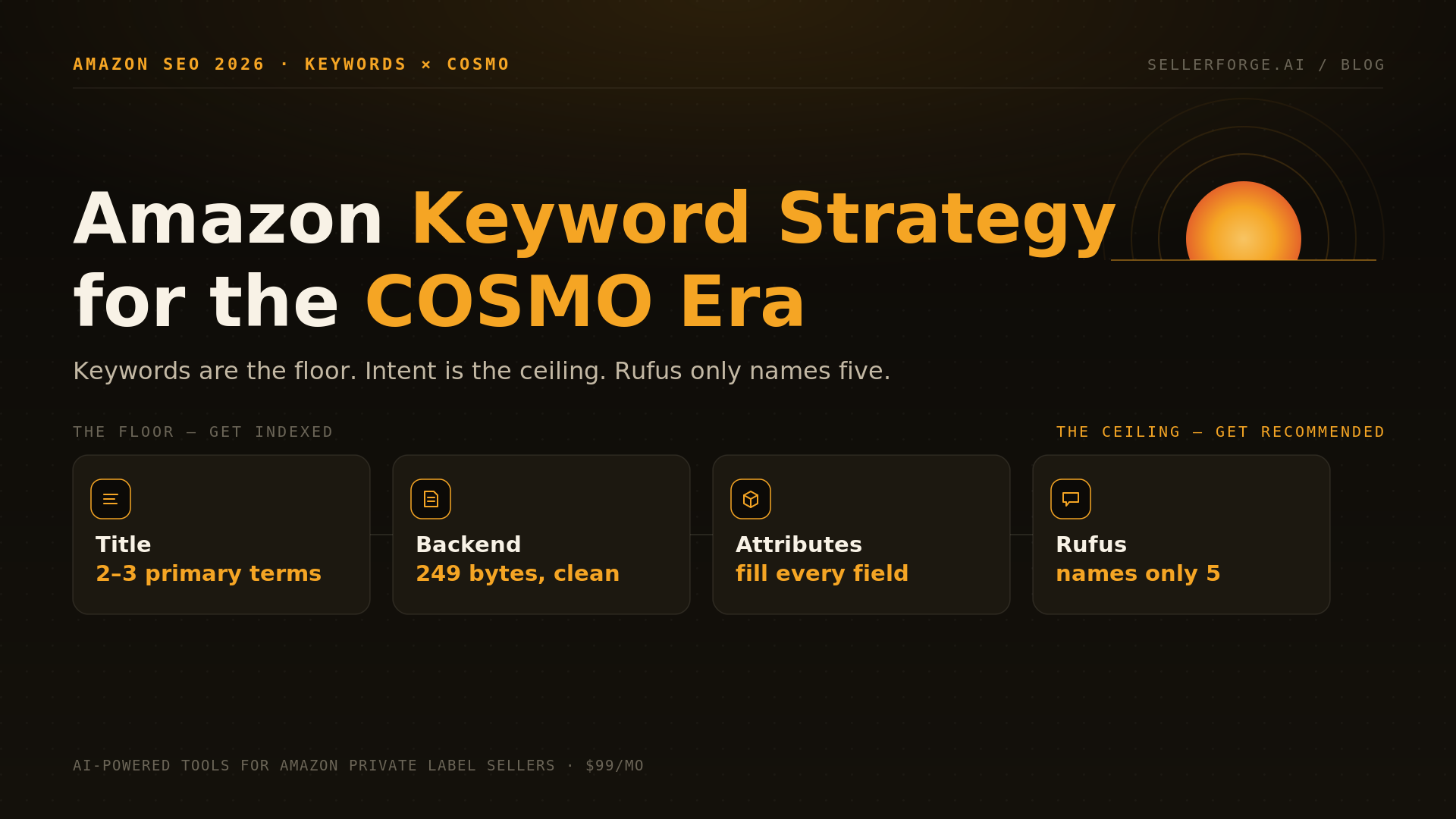
- Use all 250 bytes of backend keywords — no commas, no repeated words
- Audit quarterly — keyword trends shift as customer language evolves
If this section surfaces gaps, the fix-it companion is the Amazon keyword strategy playbook for the COSMO era — including the 249-byte backend rules and a step-by-step indexing check.
6. Pricing & Competitive Position
Listing quality and pricing aren't separate decisions. A great listing at an uncompetitive price still underperforms. Check your price positioning against:
- The Buy Box price (especially important for FBA sellers)
- The category average selling price for equivalent products
- The price at which your conversion rate starts to drop (your analytics reveal this)
- Competitor promotional pricing — if they're running coupons, your effective price comparison is off
To go deeper than a price check, run the full five-lens AI competitor teardown — it turns a rival's listing, reviews, and keyword set into a ranked list of fixes for your own ASIN.
7. Review Velocity and Rating Health
Your review count and average rating affect both conversion and ranking. A listing with 12 reviews at 4.9 stars will outperform a listing with 200 reviews at 3.8 stars almost every time.
If your rating is below 4.0, listing optimization is secondary — fix the product or fulfillment issue first. If your rating is healthy but count is low, focus on your feedback request strategy to build social proof faster.
Running This Audit Efficiently
A manual audit across 20 ASINs takes hours and produces inconsistent results depending on who does it and when. AI-powered listing audit tools can score each dimension automatically, flag specific gaps, and generate rewrite suggestions in minutes — making it practical to audit your entire catalog regularly rather than quarterly.
The goal isn't a one-time audit. It's building a habit of continuous optimization, where you're always aware of which listings are underperforming and exactly what to fix first.