
Amazon Seller Playbooks: Step-by-Step Operating Guides for 2026
The highest-leverage work in an Amazon business isn't reacting to problems — it's running repeatable playbooks that prevent them. The sellers who compound results treat launch, weekly operations, listing optimization, PPC, reimbursements, and suspension response as documented checklists, not improvised firefights. This hub collects the operator playbooks that matter most in 2026: what to do, in what order, and against which thresholds. Each one is built to be executed the same way every time, so outcomes stop depending on how much attention you happened to have that week. Whether you run one ASIN or a 40-account portfolio, the difference between a mediocre quarter and a great one is usually process discipline — catching a stockout before it happens, harvesting a converting search term before it inflates ACoS, filing a reimbursement inside the claim window, or having a Plan of Action framework ready before you ever need it. These are the workflows to systematize first.
How do you launch a new product on Amazon in 2026?
A modern Amazon launch runs in three phases: build a fully optimized, indexed listing before you ship a single unit; seed early reviews and sales velocity in the first two to three weeks while the listing is most malleable; then scale spend only after conversion rate and organic rank prove the product converts. Skipping the pre-launch phase is the most common failure.
The pre-launch phase is where launches are won or lost. Before inventory lands at the fulfillment center, your listing should be complete — main image on pure white (1000x1000+ for zoom), 7-9 images that each answer a specific buyer objection, keyword-researched title and bullets, backend search terms filled, and A+ Content live if you have Brand Registry. Launching a half-built listing wastes the early-traffic window you can't get back.
In the seeding phase, the goal is velocity and social proof at the same time. Enroll up to 30 units per parent ASIN in Amazon Vine for early reviews, run tightly-targeted exact-match Sponsored Products on your two or three most relevant keywords, and drive any external traffic (email list, social) to the listing to build sales history. New listings often see a temporary relevance boost in their first few weeks — the objective is to convert that visibility into ranking before it fades. Only after you've confirmed a healthy conversion rate should you expand into broad, auto, and category-targeting campaigns.
- Pre-launch: keyword research, complete listing (title/bullets/backend), 7-9 images, A+ Content, pricing and profit model verified
- Inventory: enough first-order units to survive the launch window without stocking out (a stockout mid-launch kills momentum and rank)
- Reviews: enroll up to 30 units per parent ASIN in Vine before or at go-live
- Ads: start with exact-match on 2-3 core keywords, not a broad shotgun budget
- External: point owned traffic (email, social) at the listing to build early velocity
- Day 14-21 gate: only scale spend once conversion rate and organic rank confirm the product converts
What is the ideal weekly Amazon operating cadence?
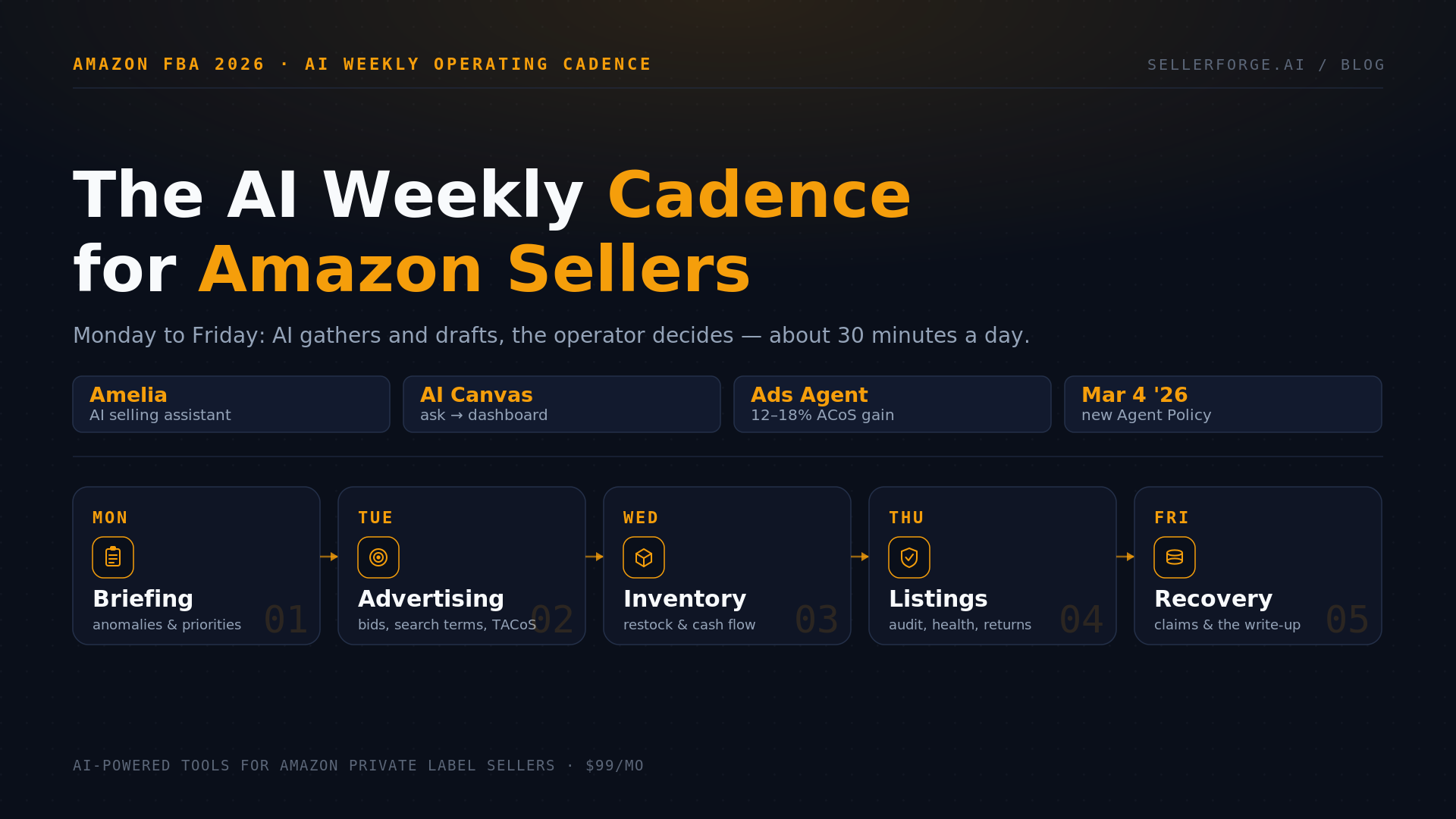
A disciplined weekly cadence takes 45-60 minutes and covers six checkpoints in a fixed order: account health, inventory and restock, advertising performance, Buy Box and pricing, reviews and Voice of Customer, and P&L. Running the same review every week — ideally Monday morning — is what turns problems into 15-minute fixes instead of month-end emergencies.
Order matters because the checkpoints are ranked by damage potential. Account health first: a single unaddressed policy warning or an ODR drifting toward the 0.80% operational threshold can cost you the business, so it leads every review. Inventory second: check days-of-cover and reorder anything approaching lead time, because a stockout erases both revenue and hard-won organic rank. Advertising third: scan for ACoS spikes, harvest converting search terms into exact match, and add negatives to wasted-spend queries.
The back half of the cadence protects margin and reputation. Confirm you still hold the Buy Box on every ASIN and that no repricing or hijacker has eroded it, read the week's new reviews and Voice of Customer flags for emerging product complaints, and reconcile the week's P&L so fee changes or ad creep don't quietly compress profit. A weekly review that surfaces a fee increase in week one is far cheaper than discovering it at quarter close. SellerForge's dashboard is built to front-load these six signals so the whole scan takes minutes rather than hours of tab-switching.
- Account health: AHR, ODR (watch 0.80%, not just 1.0%), open policy warnings, IP/authenticity complaints
- Inventory: days-of-cover vs. lead time, reorder triggers, low-inventory-fee exposure, stranded/aged stock
- Advertising: ACoS/TACoS trend, harvest converting terms to exact, add negatives, kill wasted spend
- Buy Box & pricing: still winning the box on every ASIN, no hijackers, repricer sanity check
- Reviews & VoC: new negative reviews, VoC listing ratings trending to Fair/Poor
- P&L: reconcile weekly profit, flag fee changes, ad creep, and refund/return anomalies
How do you run a listing optimization sprint?
A listing optimization sprint is a focused, one-to-two-week pass on a single underperforming ASIN: diagnose the specific conversion or ranking gap with data, make one category of change at a time, then measure over a full 14-day window before touching anything else. The discipline is changing one variable so you can attribute the result.
Start with diagnosis, not rewriting. Pull the ASIN's conversion rate, click-through rate from search, and keyword ranking positions, then compare against the competitors outranking you. The data usually points to one dominant gap — weak main image suppressing CTR, missing keyword coverage capping impressions, or feature-led bullets failing to convert the clicks you do get. Fix the dominant gap first; images are typically the highest-leverage single change for physical products.
Then work in ordered, measurable passes. Images before copy (bigger conversion lever), then title and bullets rewritten benefit-first, then backend search terms to close indexation gaps, then A+ Content to address the top three objections you find by mining one-star reviews of your product and competitors. If you have Brand Registry, run main-image A/B tests through Manage Your Experiments — a 1% CTR lift from search compounds across the ASIN's life. Give every change a minimum 14-day measurement window; Amazon's algorithm needs time to re-index and reflect the new conversion signal.
- Diagnose: conversion rate, CTR from search, keyword rank vs. the competitors beating you
- Pass 1 - Images: main image on white first, then lifestyle, infographic, scale, materials, guarantee
- Pass 2 - Copy: benefit-first title and bullets, one changed element at a time
- Pass 3 - Backend: fill 250 bytes with non-duplicate synonyms, spellings, use-case terms
- Pass 4 - A+ Content: address the top 3 objections mined from 1-star reviews
- Measure each pass over a full 14-day window before starting the next
What does a full PPC audit checklist look like?
A PPC audit is a systematic sweep for wasted spend and missed opportunity, run monthly: pull a search-term report covering at least 30-60 days, then work top to bottom — negate money-losing queries, harvest converting terms into exact match, right-size bids to your target ACoS, and check placement and structure. Most audits recover 15-25% of spend on mismanaged accounts.
Begin with the search-term report because it holds the two biggest levers. First, wasted spend: any search term with meaningful clicks and spend but zero or near-zero orders is a negative-keyword candidate — negate it as exact or phrase depending on how broad the waste pattern is. Second, harvesting: any term converting well inside a broad, phrase, or auto campaign should be promoted to its own exact-match target where you can bid it precisely, then negated in the discovery campaign so the two don't cannibalize each other.
With waste and harvesting handled, tune the economics. Compare each campaign's ACoS against your target and adjust bids toward it, review placement multipliers (top-of-search often converts best but costs most — verify it earns its premium), and consider dayparting down the hours where conversion rate is weakest relative to spend. Finally, audit structure itself: single-keyword or tightly-themed ad groups give you the control that sprawling catch-all campaigns never will. SellerForge's advertising modules surface wasted spend, harvest candidates, and ACoS anomalies automatically so the monthly audit becomes review-and-approve rather than manual spreadsheet work.
- Pull the search-term report for 30-60 days across all campaigns
- Negate: zero/near-zero-order high-spend terms as exact or phrase negatives
- Harvest: promote converting broad/auto terms to exact, then negate them in discovery
- Bids: move each campaign's ACoS toward target; don't blanket-cut
- Placement & dayparting: verify top-of-search earns its premium; trim weak-converting hours
- Structure: tighten sprawling ad groups into single-keyword or themed groups
How do you recover FBA reimbursements you're owed?
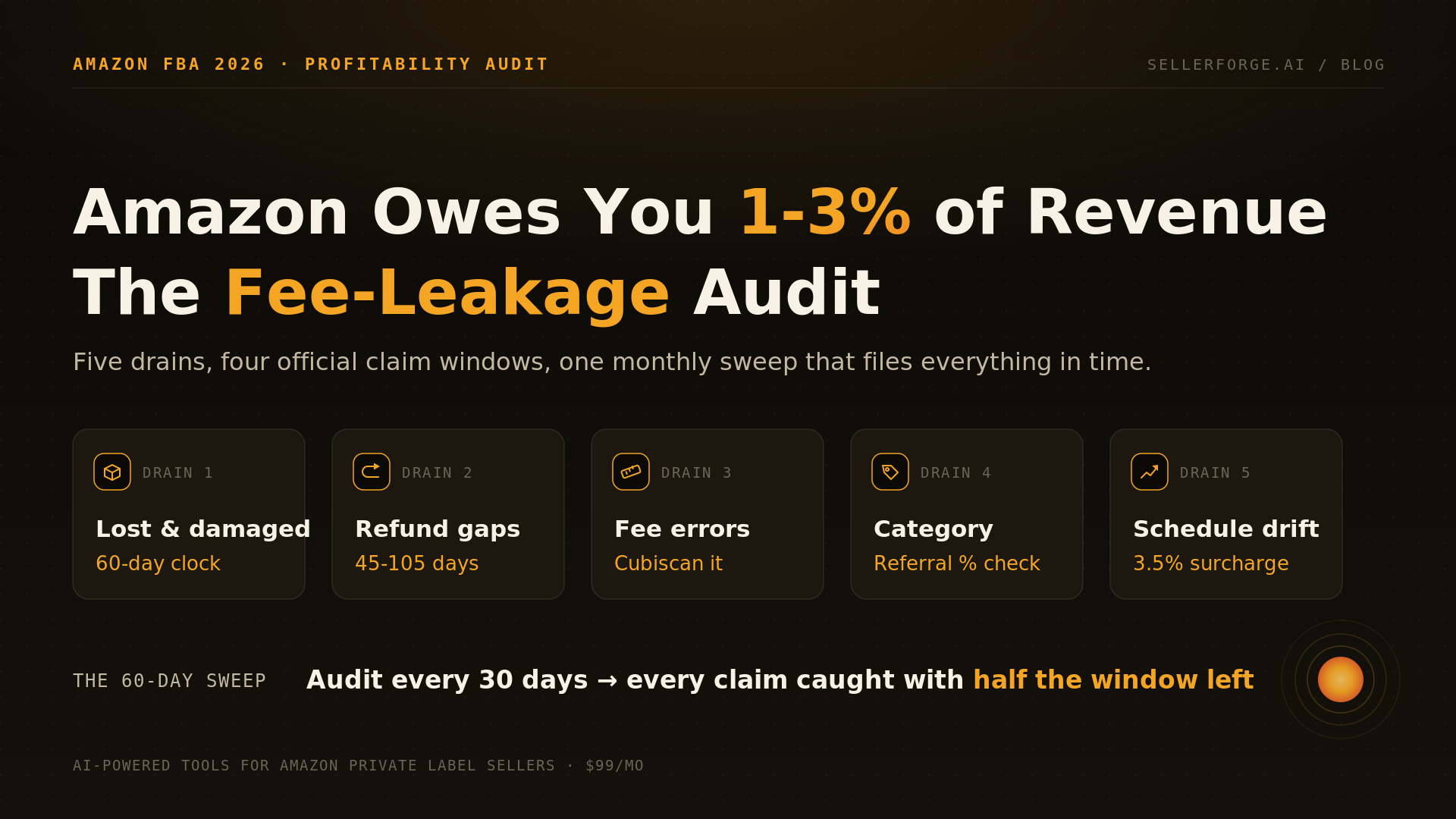
FBA reimbursement recovery is an auditing workflow: reconcile Amazon's inventory and financial ledgers to find discrepancies Amazon owes you for, then file each eligible claim inside its window with the documentation the category requires. Amazon auto-reimburses many fulfillment-center losses now, but several categories still require you to detect and file manually — and the claim windows tightened in late 2024.
The recoverable categories fall into a handful of buckets: inventory lost or damaged in the fulfillment center, customer returns that were refunded but never physically returned, returns returned in unsellable condition due to customer or carrier fault, removal and disposal errors, inbound shipment discrepancies (Amazon received fewer units than you shipped), and fee overcharges from incorrect weight or dimension measurements. Each has its own evidence trail — inbound claims need your shipment IDs and carrier proof of delivered quantities; return claims need order IDs and return status.
Timing is now the binding constraint. As of late 2024, Amazon shortened the filing windows — most warehouse lost/damaged claims must be filed within 60 days of the incident, and customer-return discrepancies fall in a roughly 60-120 day window after the refund or replacement. Miss the window and the money is gone permanently, which is why reimbursement recovery has to run on a recurring schedule rather than an annual cleanup. Note that Amazon's 2025 policy change reimburses lost/damaged inventory at your sourcing (manufacturing) cost, not retail price, so keep accurate per-SKU COGS on file to be paid correctly. SellerForge's reimbursements module runs this reconciliation continuously and flags eligible claims before they age out.
- Lost or damaged in the fulfillment center (many now auto-reimbursed — verify the rest)
- Customer refunded but item never returned to inventory
- Return received in damaged/unsellable condition due to customer or carrier
- Removal and disposal order errors
- Inbound discrepancies: fewer units received than shipped (needs shipment ID + carrier proof)
- Fee overcharges from wrong weight/dimension measurements
- File inside the window: ~60 days for warehouse loss/damage, ~60-120 days for return discrepancies
What is the first-24-hours suspension response playbook?
When a suspension or listing deactivation hits, the first 24 hours are about disciplined triage, not panic appeals: read the notice to identify the exact policy and ASINs cited, preserve all evidence, resist firing off an emotional response, and build a structured Plan of Action addressing root cause, corrective actions already taken, and preventive measures. A rushed first appeal is the most expensive mistake you can make.
Read the enforcement notice literally and completely. Amazon tells you the specific reason — a performance metric breach, a policy violation, an inauthenticity flag, or an IP complaint — and each type demands a different response. Note the exact ASINs, the cited policy, and any deadline (a Critical violation may carry only a 3-day grace period). Gather your evidence before writing anything: supplier invoices, shipment records, order IDs, and any documentation the specific category requires.
Then write the POA to Amazon's three-part structure with specificity as the currency. Root cause must be concrete, not "I was unaware." Corrective actions must be past-tense and done ("I removed ASIN B0XXXXXXXX on July 2"), not future promises. Preventive measures must be documented systems, not intentions. For IP complaints, the fastest path is often a retraction from the rights owner rather than an appeal. Submit once, well — repeatedly resubmitting the same weak POA trains Amazon's reviewers to auto-reject you, and it burns days you don't have. Our full Account Health guide covers POA construction and Section 3 appeals in depth.
- Read the notice: exact policy, ASINs cited, and any deadline (Critical = 3-day grace)
- Preserve evidence: supplier invoices, shipment records, order IDs, category-specific docs
- Do NOT send an emotional or same-day reflexive appeal
- Draft the POA: specific root cause, past-tense corrective actions, documented preventive measures
- IP complaints: pursue a rights-owner retraction first — it's faster than any appeal
- Submit once, strong — don't resubmit the same weak POA repeatedly
Frequently Asked Questions
5 articles in Playbooks


Stop reading. Start shipping.
SellerForge turns these playbooks into one-click AI workflows — from $49/month.
No credit card required