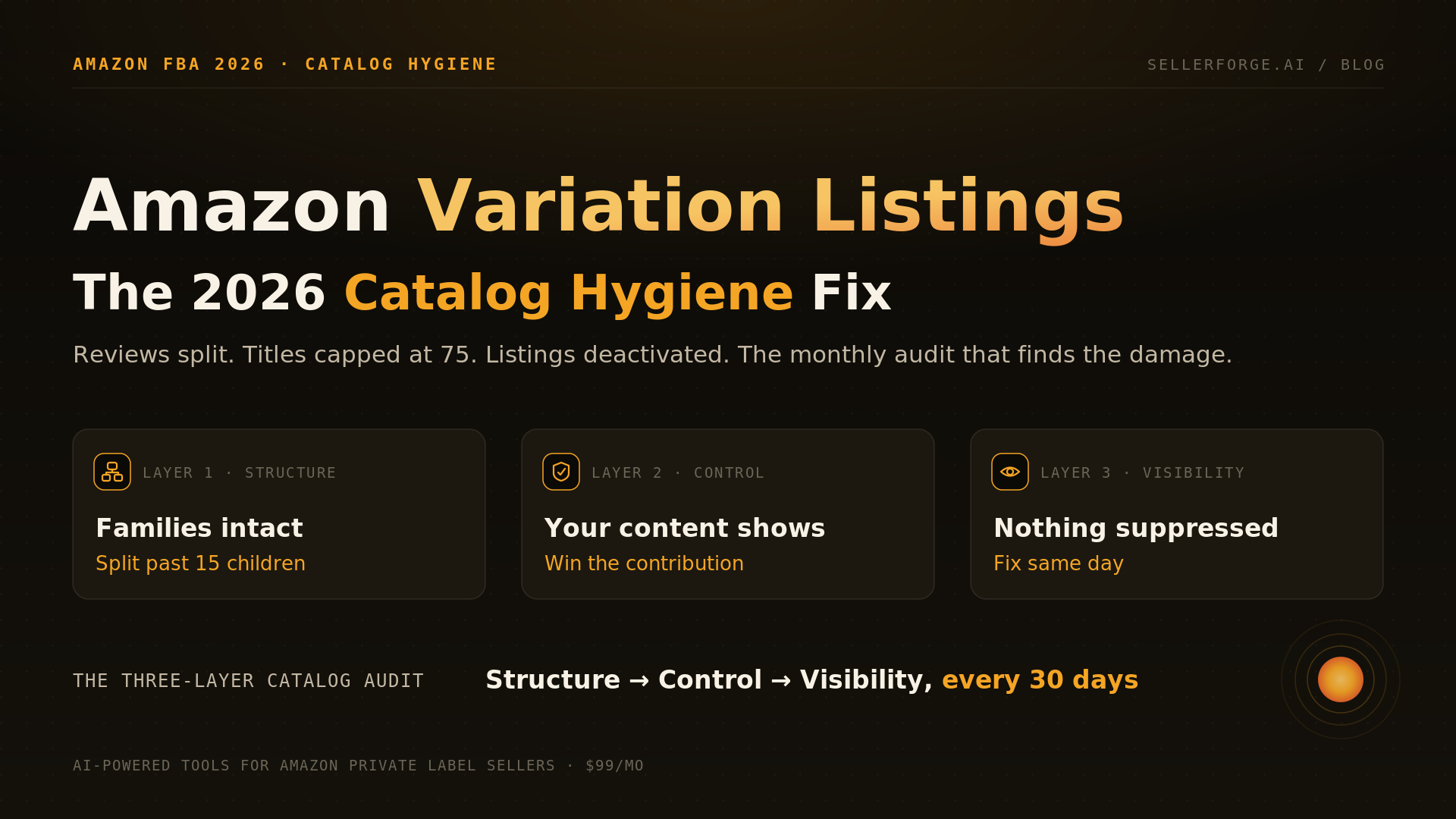
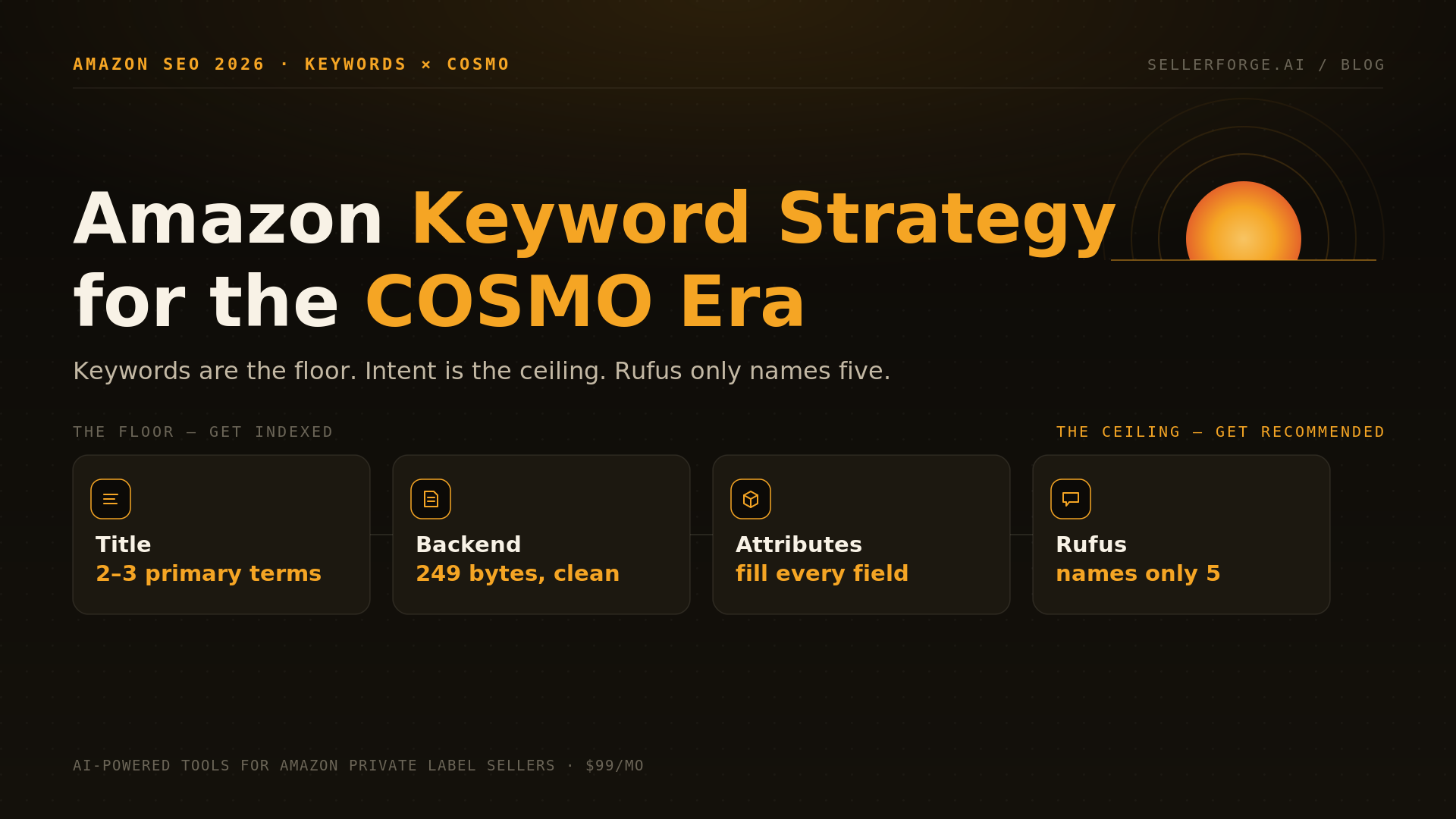
The best Amazon listing optimization software depends on the job: Data Dive for keyword-to-listing architecture, Helium 10 or Jungle Scout if you already pay for the suite, ZonGuru Helix for monitored rebuilds, and Amazon's free AI tools for first drafts. SellerForge, our product, builds and audits listings for the 75-character rules inside whole-account intelligence, from $49/mo.
The best Amazon listing optimization software in 2026 is the one that writes for the listing surface Amazon actually runs now, not the one it ran last year. Since July 27, a title gets 75 characters, a new 125-character Item Highlights field sits underneath it, and Amazon's COSMO search and Alexa for Shopping read the whole page for intent. Most tools were built to stuff 200-character titles.
I managed 57 Amazon accounts and more than $350M in sales at Worldfront. The most expensive listing mistake I saw there was never bad writing. It was a rewrite that read better and quietly dropped the phrase that carried the ASIN's sales.
What Is the Best Amazon Listing Optimization Software in 2026?
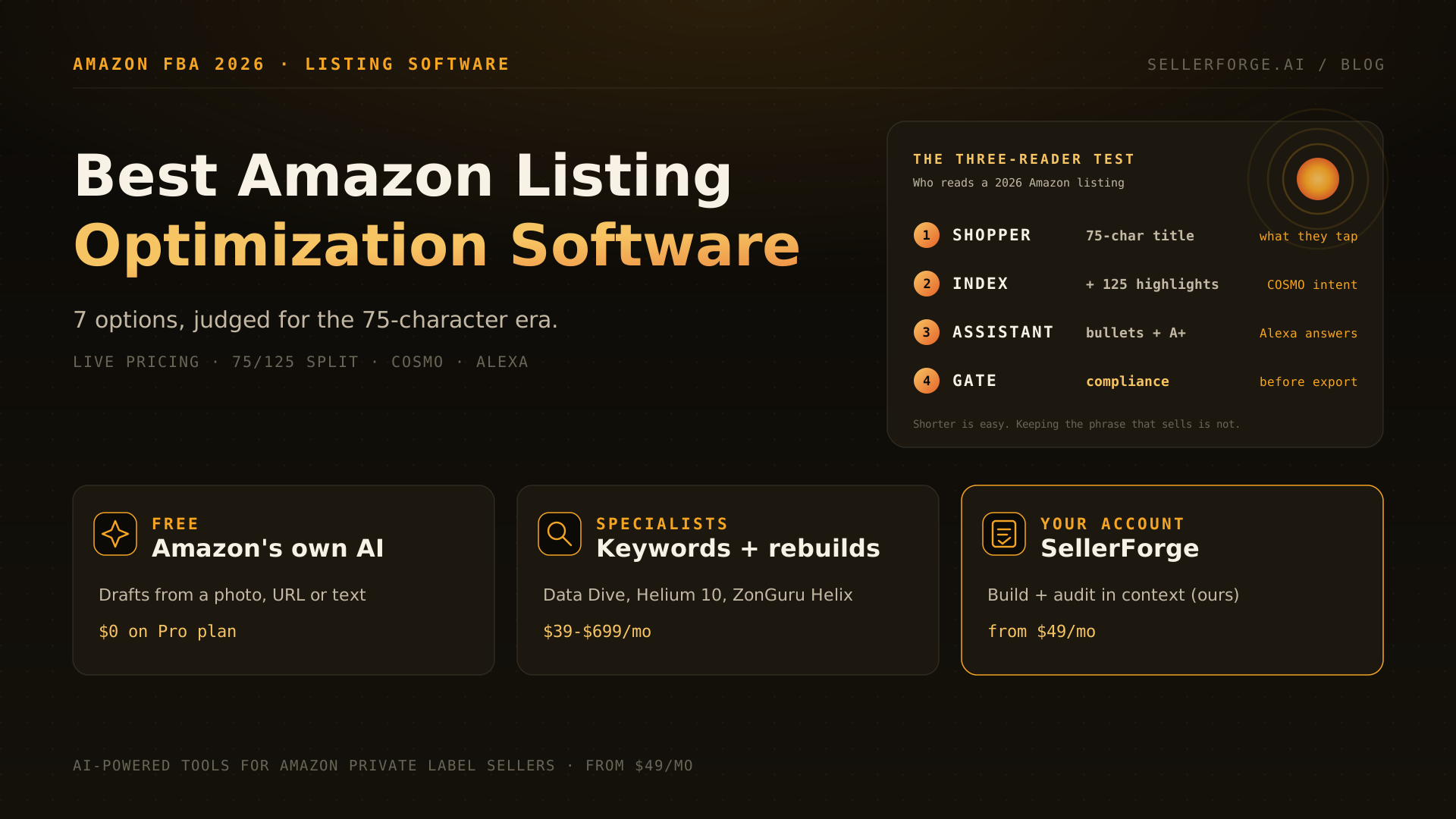
There is no single best tool. Data Dive is the strongest specialist for turning competitor keywords into a listing plan, from $39 a month. Helium 10 and Jungle Scout fit sellers who already pay for those suites. ZonGuru Helix suits brands that want listings rebuilt and monitored for them. Amazon's free AI tools handle first drafts. SellerForge, ours, adds building and auditing inside account intelligence.
The right pick depends on which of three gaps you have. If you lack keyword data, buy a research tool. If you lack writing time, use an AI builder and review every output. If you lack a process that catches listings drifting out of compliance or conversion, buy something that audits and monitors. Very few sellers need all three from one vendor, and the roundups that tell you otherwise are usually selling the vendor.
What Changed in 2026: Why Old Listing Tools Score the Wrong Things
Four changes matter for software choice:
- The 75-character cap. Titles over the limit are gradually swapped for Amazon's own AI version, and brand owners get 14 days in Review Listing Changes to approve or edit it. By Amazon's count sellers had updated more than 1.6 billion titles by August 21, 2026.
- Item Highlights. A new field of up to 125 characters for materials or use cases, searchable and shown beneath the title on desktop and mobile since August 10. Amazon says title and highlights carry equal search weight, and highlights only unlock once the title is within 75 characters.
- COSMO and Alexa for Shopping. Amazon's search and its shopping assistant read listings for intent: who the product is for, what problem it solves, what it is used with. Keyword frequency alone no longer explains rank.
- Old rules still apply. The January 2025 rules stand alongside the cap: no word more than twice, and banned special characters unless part of the brand name. The 249-byte backend search-term limit is unchanged.
The Three-Reader Test: How to Judge Any Listing Tool
The Three-Reader Test asks whether a tool writes for all three readers a 2026 listing has: the shopper scanning a 75-character title on a phone, the search index matching intent across title, highlights, bullets and backend, and the assistant answering questions from the whole page. Then it asks whether a compliance gate stops bad copy before it reaches Amazon.
The Three-Reader Test. Reader 1, the Shopper: does the tool write a title that lands brand, product and the deciding attribute inside 75 characters, and push the rest into Item Highlights? Reader 2, the Index: does it map real competitor keyword data to title, highlights, bullets and the 249-byte backend? Reader 3, the Assistant: do the bullets and A+ answer the questions shoppers ask Alexa for Shopping? The Gate: does it block over-length titles, repeated words, banned claims and byte overflow before export?
Run any trial against your own top ASIN, not a demo product. Paste your current title, ask the tool for a 75-character version, and check three things: did your highest-converting search phrase survive, did the dropped attributes land in Item Highlights or the bullets, and would the copy pass the word-repetition rule. In my experience most tools pass the first reader and quietly fail the second, because shortening a title is easy and keeping its ranking phrases is not.
Amazon Listing Optimization Software Compared (Prices Checked October 2026)
The table below compares seven options on price, core strength and the gap you will still fill yourself. It is not a ranking. Prices are monthly list prices read from each vendor's pricing page on October 23, 2026, with annual-billing prices in brackets where the vendor shows them; Jungle Scout's are from our October 20 check.
| Tool | Price (Oct 2026) | Core strength | What you still do yourself | Best for |
|---|---|---|---|---|
| Amazon free tools (Add Products AI, A+ Content Manager, Listing Quality Dashboard, Manage Your Experiments) | $0 with a $39.99/mo Professional plan | Drafts from a photo, URL, text or spreadsheet; A/B tests for brand owners | Competitor keyword data; review of generic drafts | First drafts, new SKUs, testing |
| Data Dive | $39 / $149 / $490 ($32 / $124 / $408) | Keyword clustering mapped to title, bullets and backend; Listing Builder on every plan | AI writing is capped (10 / 50 / 250 copywriter tasks) | Keyword-to-listing architecture |
| Helium 10 | Platinum $129 ($99); Diamond $359 ($279) | Keyword research feeds the builder; pricing page lists AI Listing Builder in the Diamond card | Paying for a full suite to get listings | Existing Helium 10 users |
| Jungle Scout | Growth Accelerator $49 annual; Brand Owner $129 annual ($149) | Listing Builder with AI Assist from Growth Accelerator up | AI Assist uses are capped per plan | Existing Jungle Scout users |
| ZonGuru Helix | $149 / $299 / $699 ($124 / $249 / $583) | Rebuilds and monitors 15 / 50 / 100 managed listings, 5 / 10 / 25 rebuilds a month, SP-API and MCP | US and UK only; priced per managed listing | Brands wanting monitored rebuilds |
| ChatGPT or Claude with your own prompts | About $20/mo either | Fast, flexible drafting | Keyword data, rules, byte counting and compliance checks | DIY sellers with a tested prompt kit |
| SellerForge (ours) | From $49/mo (Core: 15 builds, 25 audits a month; Growth $99: 40 and 60) | Build and 10-dimension audit with a compliance-gated export, keyword research, next to account health | No split testing; keyword database far smaller than Helium 10 | Whole-account sellers and agencies |
Data Dive: the listing architect
Data Dive is the tool I would point a serious private-label seller to first if keywords are the gap. Its strength is structure: it pulls the keywords your competitors rank for, scores them for relevance, and shows which groups belong in the title, which in bullets and which in the backend. Listing Builder is on every plan. The weakness is that it is a data tool with AI attached, so expect to write and edit yourself.
Helium 10 and Jungle Scout: good if you already pay
Both suites have competent listing builders that pull keyword data straight from their research tools. Neither is worth buying just for listings. Helium 10's own pricing page lists its AI Listing Builder in the Diamond card at $359 a month, and Jungle Scout's AI Assist is metered. If you already own one, use its builder before buying anything else.
ZonGuru Helix: rebuilt and watched for you
Helix is the newest model here. You pay per managed listing: Helix connects through SP-API, rebuilds a set number of listings a month and monitors the rest with alerts. That suits a brand with 15 to 100 hero ASINs that wants rebuilds done and watched. It is US and UK only, and at $149 to $699 a month it is not a budget tool.
Amazon's free tools and generic AI: the floor, not the ceiling
Amazon's drafting tools and a general chatbot both produce readable copy fast. Neither knows which phrases convert for your ASIN against your competitors. Use them for first drafts and new SKUs, then check the result against real keyword data before publishing.
Are Amazon's Free AI Listing Tools Good Enough?
My rule from running accounts: use Amazon's tools to fill attributes and draft A+ modules, because complete attributes help the index, then rewrite the title, Item Highlights and the first two bullets by hand or with a keyword-aware tool. Those four fields decide whether a shopper clicks.
Data Dive vs Helium 10 Listing Builder: Which Is Better?
Data Dive is better for listing architecture; Helium 10 is better as a suite. Data Dive's edge is clustering competitor keywords by relevance and mapping them to listing sections, with Listing Builder on every plan from $39 a month. Helium 10's builder is convenient when Helium 10's keyword research is already your workflow, and it covers ads and operations Data Dive does not.
The deciding question is what else you need. If listings and rank are the job, Data Dive at $39 to $149 a month does more for less. If you also run product research, ads and inventory in Helium 10, adding another subscription for listings is hard to justify. Many large sellers I know run both: Helium 10 for research and Data Dive for the listing build.
How to Optimize an Amazon Listing in 2026, Step by Step
Optimizing a listing in 2026 means fitting the deciding information into 75 title characters, moving secondary attributes into Item Highlights and bullets, and covering shopper questions for Alexa for Shopping, all without dropping the phrases that already convert. The order below protects existing rank while you change the copy.
- 1Pull your converting search terms first: Brand Analytics Search Query Performance, your Sponsored Products search-term report, and a reverse-ASIN pull on your top three competitors.
- 2Write the title to 75 characters or fewer: brand, product type, the one attribute that decides the purchase, and the highest-converting phrase. Check it against the no-more-than-twice and special-character rules.
- 3Put materials, use cases and secondary attributes into Item Highlights (up to 125 characters).
- 4Rewrite bullets to answer the five questions buyers ask most, taken from reviews, Customer Questions and competitor listings.
- 5Fill every applicable attribute in Seller Central, and keep backend search terms within 249 bytes without repeating title words.
- 6Change one element at a time, wait two to four weeks for enough sessions, and compare unit session percentage before and after.
Who Should Pick Which Listing Tool
Pick by the gap you actually have, not by the longest feature list. Most sellers need one keyword source and one writing workflow; the roundups ranking a single winner are usually written by that winner. Here is how I would match tools to sellers:
- New seller, under 10 SKUs: Amazon's free drafting tools plus a free title checker. Spend the money on photography first.
- Private-label brand where rank is the job: Data Dive Starter or Standard for keyword architecture, writing and editing yourself.
- Already paying for Helium 10 or Jungle Scout: use the included builder before adding anything.
- Brand with 15 to 100 hero ASINs that wants rebuilds done and monitored: ZonGuru Helix, if you sell in the US or UK.
- Seller or agency that wants listings built, audited and checked against account health in one place: SellerForge, from $49 a month.
- Anyone about to rewrite a top seller: test first, with Manage Your Experiments if you are a brand owner.
Where SellerForge Fits (and Where It Does Not)
Where we lose, plainly: SellerForge's keyword database is far smaller than Helium 10's; our own features page describes Keyword Intelligence as built for relevance coverage, not a Helium-10-sized database. We do not run split tests or shopper polls. If keyword depth is your gap, Data Dive or Helium 10 is the better buy, and if you want listings rebuilt and watched for you, Helix is built for that. What SellerForge adds is context: the listing sits in the same account as health alerts, suppressions and cases, so a conversion drop shows up next to the policy flag or suppressed variation that caused it.
About the author
David Gallo is the founder of SellerForge.ai. Before building SellerForge, he managed 57 Amazon seller accounts representing more than $350M in sales at Worldfront, where the listing changes that cost the most were rewrites that read better and dropped the phrase that sold the product.